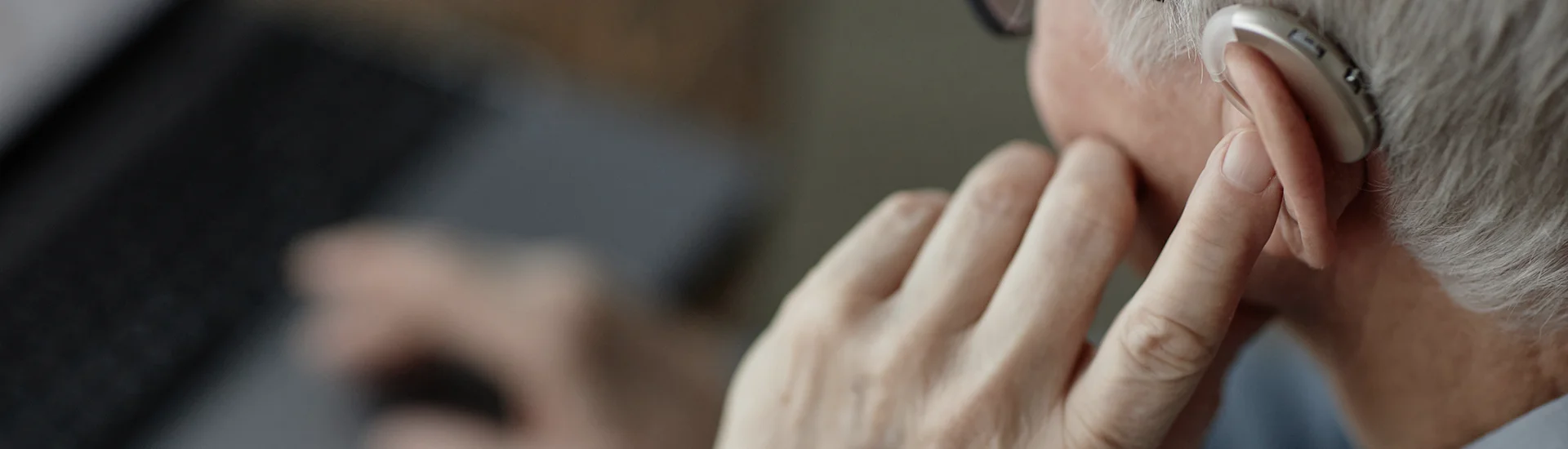
Listening to a presentation, following a lesson or having a conversation at a service counter can be difficult for a person with hearing loss, particularly when there is background noise, reverberation or distance between them and the speaker. Even when a sound system is installed, the message does not always reach everyone clearly enough.
Hearing accessibility systems help bring the audio signal closer to the listener, transmitting it through technologies suited to different spaces and users. The choice of solution should take into account the setting, the hearing devices used and how the space is used.
What are hearing accessibility systems?
These are solutions designed to make audio communication, particularly speech, more accessible to people with hearing difficulties. Rather than relying solely on sound transmitted through the room’s loudspeakers, these systems can send the signal to a compatible hearing device or to a receiver used by the individual.
The solution can be used in classrooms, auditoriums, meeting rooms, service areas and other places where it is important to follow what is being said. The appropriate technology and configuration depend on the characteristics of each space and the needs of its users.
Why isn’t increasing the volume enough?
Louder sound is not always clearer. Distance from the speaker, background noise and reverberation can make speech difficult to understand. Increasing the loudspeaker volume can also make the environment uncomfortable for other people without addressing the cause of the problem.
An effective approach starts with voice capture, signal quality and the room’s acoustic conditions. Hearing accessibility should be considered alongside the sound system and other accessibility measures appropriate to the space.
What technologies can be used?
There are several ways to transmit audio to the user. The following are examples to consider when assessing a project; the availability and suitability of each technology should be confirmed for the chosen solution.
Hearing loop
A hearing loop, also known as an induction loop, transmits the audio signal through a magnetic field generated by a loop installed in a defined area. People with compatible hearing aids or implants equipped with a telecoil, also called a T-coil or T function, can receive the signal directly when that function is activated.
Not all devices have this feature. It is therefore important to confirm compatibility and consider alternatives for people who cannot use it. The design should also assess coverage, the characteristics of the building and possible magnetic interference.
Radio-frequency or infrared receiver systems
Some solutions transmit audio to individual receivers. Depending on the equipment and compatibility, users can listen through headphones or use a personal induction accessory compatible with their hearing aid or implant.
The choice between radio-frequency and infrared systems depends, among other factors, on the required coverage, the conditions of the space and the characteristics of the system. Receivers also need to be made available, maintained and, where applicable, charged so they are ready for use.
Audio transmission over a network
There are also solutions that use a network to deliver audio to compatible devices. The experience depends on the solution chosen, the network, the device used and the access conditions. In situations involving video or live interaction, it is important to assess whether there is a noticeable audio delay.
These technologies are not necessarily interchangeable: what works in one space may not be the best option in another. The selection should also consider users who do not have a compatible personal device.
Where can they be used?
Auditoriums and event spaces
At talks, presentations and conferences, a hearing accessibility system can help participants receive the speakers’ voices. Microphone capture, audience-area coverage and connection to the audiovisual system should be planned together.
Classrooms and training spaces
The teacher’s voice, contributions from students and multimedia content can all be part of the learning experience. It is important to identify which audio sources need to reach users and how they will be integrated into the solution.
Meeting rooms and collaboration spaces
In face-to-face or hybrid meetings, the system should take into account both the voices of people in the room and the audio from remote participants. Explore InteliAV’s meeting room solutions as well.
Service counters and reception areas
At a counter, communication can be affected by distance, ambient noise or a partition. A solution suited to the service point can facilitate communication between the visitor and staff, provided it is correctly installed, signposted and used.
How do you choose the right solution?
Before selecting equipment, it is useful to answer a few questions:
- Who will use the space? Consider different hearing needs and the possibility that some users may not have compatible personal devices.
- What area needs coverage? Define whether the solution should cover a counter, a seating area or the entire room.
- What are the audio sources? Identify microphones, presentations, videos and remote participants that need to be included.
- What are the acoustic conditions? Assess background noise, reverberation and the quality of voice capture.
- How will the system be used? Check whether receivers, headphones or other accessories need to be provided and who will be responsible for them.
- What infrastructure is available? Consider the power supply, connections to the sound system, the network where applicable and installation conditions.
- How will operation be verified? Plan for testing, maintenance and clear information for users and staff.
An on-site assessment helps determine the technology, coverage and integration best suited to the project.
Accessibility goes beyond equipment
Technology is one part of the solution. To ensure people know the system is available and can use it, it is important to provide visible information and clear instructions. Where receivers are available, staff should know where they are, how they work and how to check that they are operational.
Depending on the context, other measures—such as captioning, good lighting to support lip-reading and clear visual communication—can complement access to audio. Needs vary from person to person, so it should not be assumed that a single measure will meet every need.
Integration with the audiovisual system
The quality of audio capture affects the signal that reaches the user. Microphones, audio sources and the hearing accessibility system should therefore be considered together. It is also important to ensure that the system is tested after installation and that the team responsible knows how to use it.
To learn about other elements involved in a sound system project, explore the professional audio and sound system solutions.
InteliAV can support the assessment of the space’s needs and the definition of a hearing accessibility solution integrated into the audiovisual project.
Want to make communication in your space more accessible? Request a proposal from InteliAV.